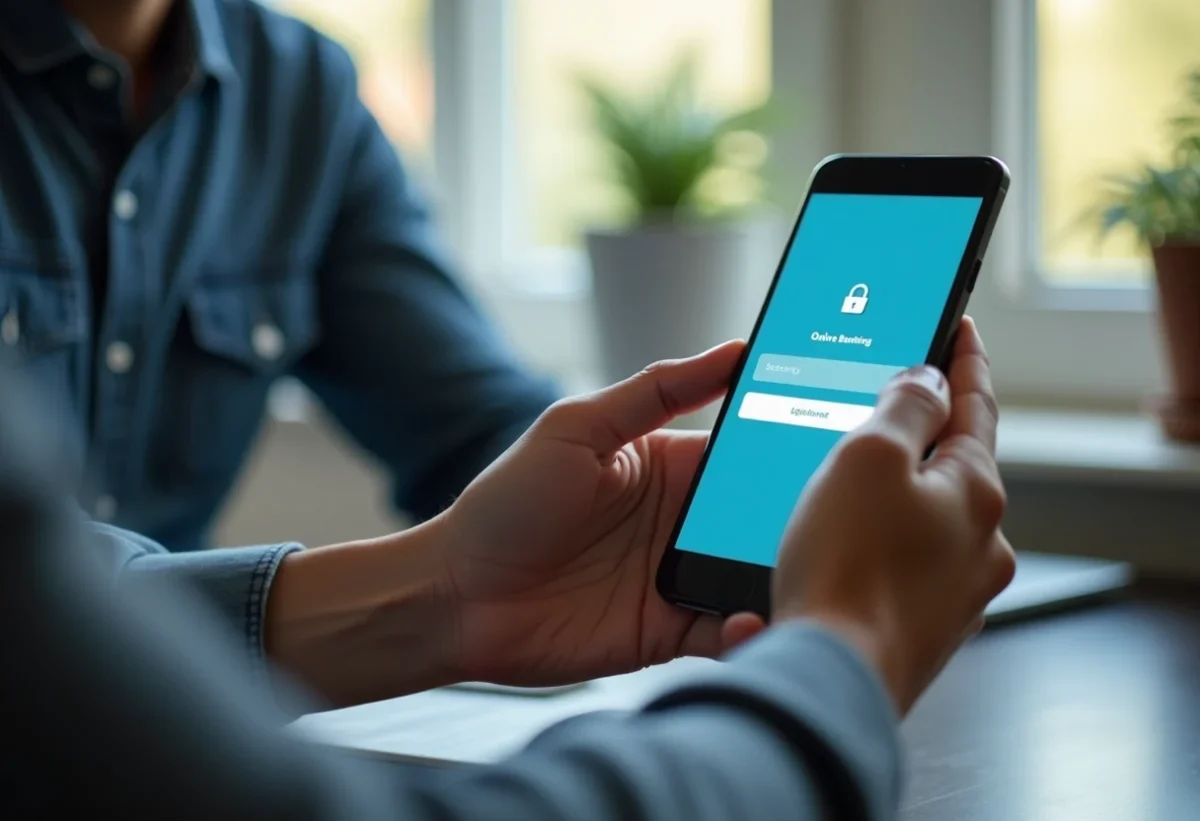
Managing your finances has never been easier thanks to digital banks. Accessing your online client space has become a habit for many, but a few essential steps are necessary to ensure a smooth and secure experience.
First, you need to have your credentials provided when opening the account. A secure connection is crucial: it is recommended to use a private Wi-Fi connection. Once on the bank’s website or app, enter your credentials and validate. For enhanced security, a code sent via SMS or validation through an app may be required. There you go, you are ready to manage your account with ease.
Steps to create and activate your online account
To get started, visit your digital bank’s website. Click on the ‘Create an account’ tab and follow the instructions. You will need to provide personal information: name, address, phone number, etc. A valid email address is also required to receive confirmation information.
Download the banking app on your mobile phone. This step is fundamental for managing your account in a mobile and secure manner. Log in with the credentials created earlier. Wait for a verification through a unique code sent via SMS or, depending on the banks, through biometric verification.
To finalize the account activation, proceed with the following steps:
- Confirm your identity by sending a valid ID.
- Make an initial deposit to activate the account.
- Validate strong authentication to secure access to your account.
Logging into your personal banking space now requires strong authentication. This can include a chip card reader, a unique code sent via SMS, or a code-generating device. For users of Hello Bank my account, these steps are simplified thanks to an intuitive interface and real-time notifications.
The internet allows access to your bank account and management of your banking operations online. Using a computer or a banking app via a mobile phone makes accessing these services easier. However, for sensitive operations like an online transfer, strong authentication is required to ensure transaction security. 
Security measures to protect your client space
Securing the online client space relies on several levels of protection. First, strong authentication is essential. Required by the European Payment Services Directive (PSD2), this measure requires at least two identification elements from three possible options: something you know (password or secret code), something you possess (phone or smartwatch), and something you are (facial recognition or fingerprint).
To enhance this security, banks implement various measures. Among them:
- The firewall, a tool for protection against unauthorized intrusions.
- Anti-virus and anti-spyware software, essential for preventing malware.
- Private browsing, allowing you to surf the web without leaving traces.
In public places, avoid logging into your bank account via a public computer or an unprotected Wi-Fi network. Prefer using your personal smartphone with a secure connection. When you have finished your banking operations, always use the logout button to secure your session.
Biometric verification (fingerprint, facial recognition) is increasingly used for authentication. These technologies offer an additional level of security, reducing the risk of fraud. Banks may offer their own authentication device, integrated into their mobile apps, to facilitate and secure access to your accounts.